2026 MVC Esports
Championship
Missouri Valley Conference · April 2026 · LAN Event
Organized and produced the full 2026 Missouri Valley Conference Esports Championship LAN, the culmination of four years building ISU's broadcast infrastructure. Beyond the technical systems, this meant recruiting and contracting seven production staff, managing the event schedule across four game titles, and authoring the official team communications packet distributed to all competing programs.
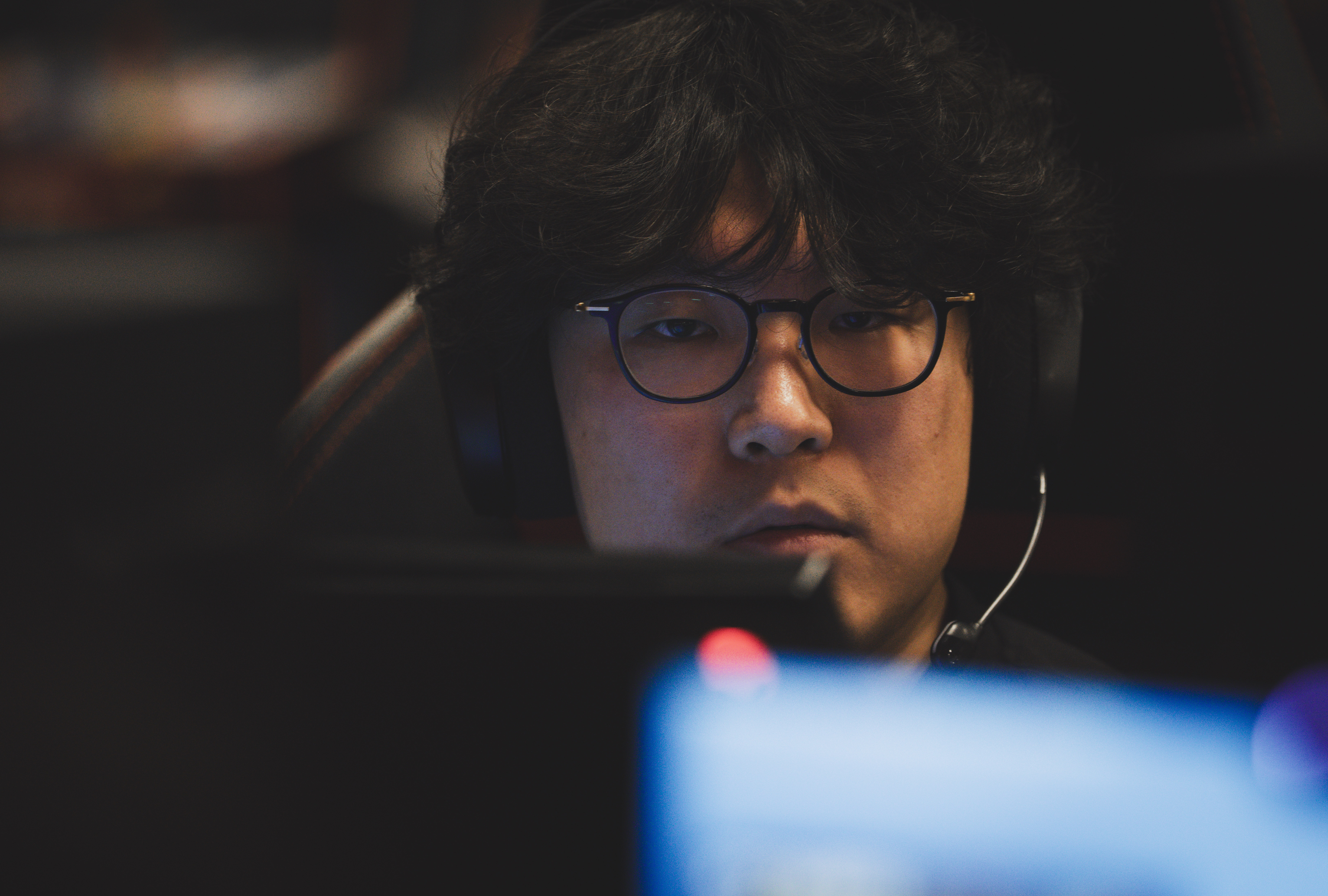
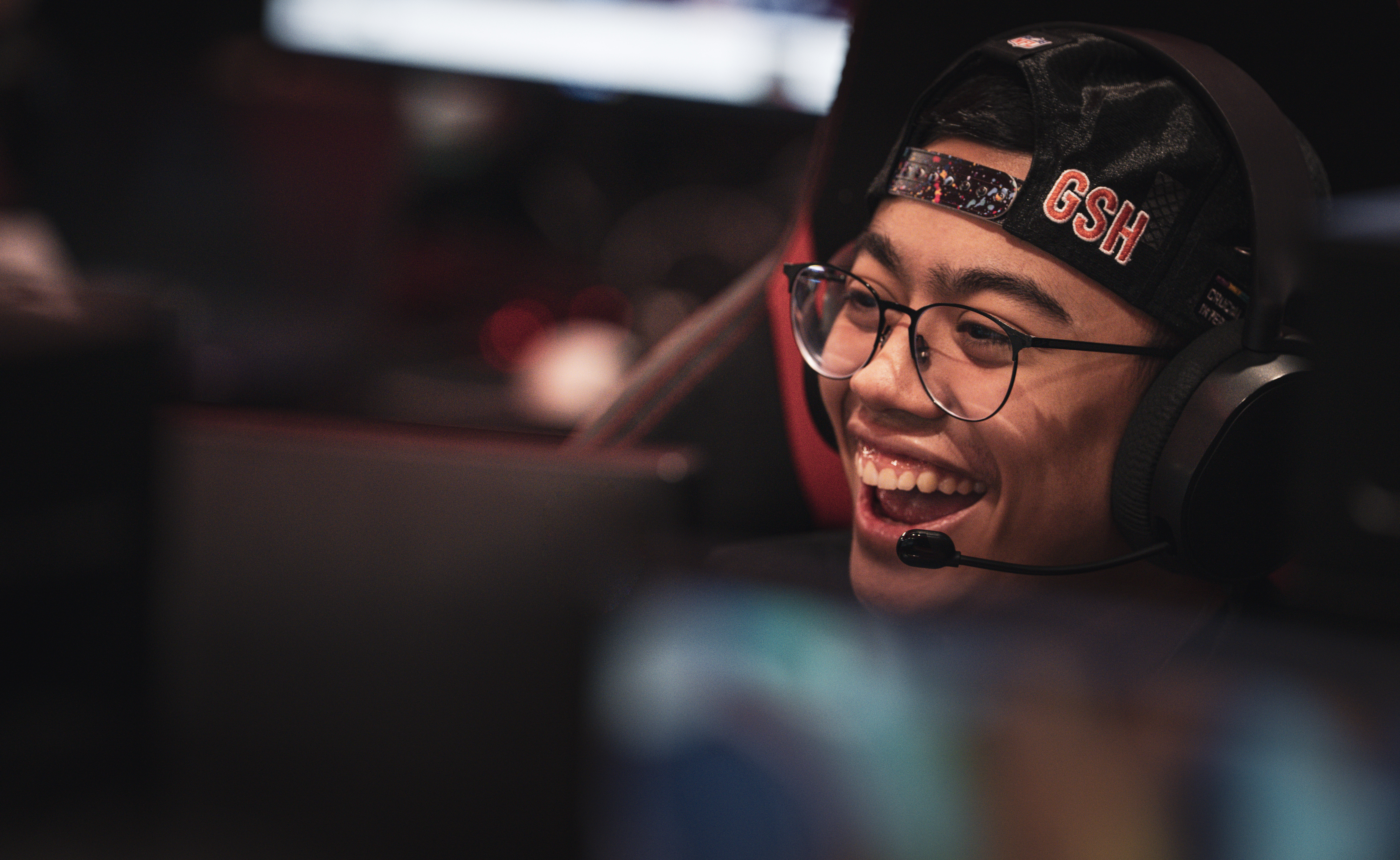
Broadcast VODs
Championship Sunday
Day 1 (Part 1)
Day 1 (Part 2)
Event Operations
More than
just the tech.
Production Staff
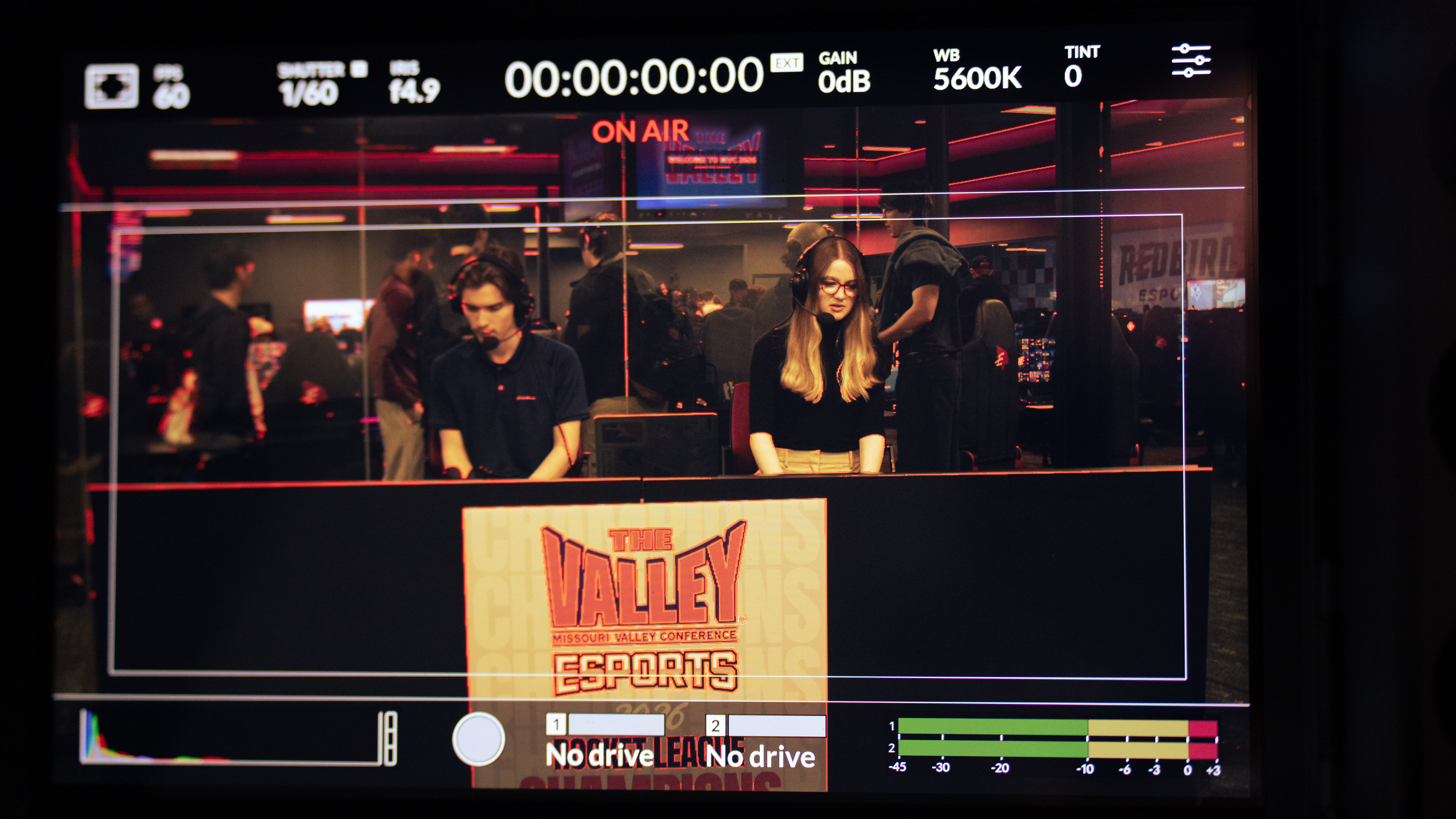
Sourced, negotiated, and contracted seven production staff across every broadcast role: casters, producers, observer, and tech support. Each went through conflict of interest screening and the vendor registration process at Illinois State University.
Schedule Management
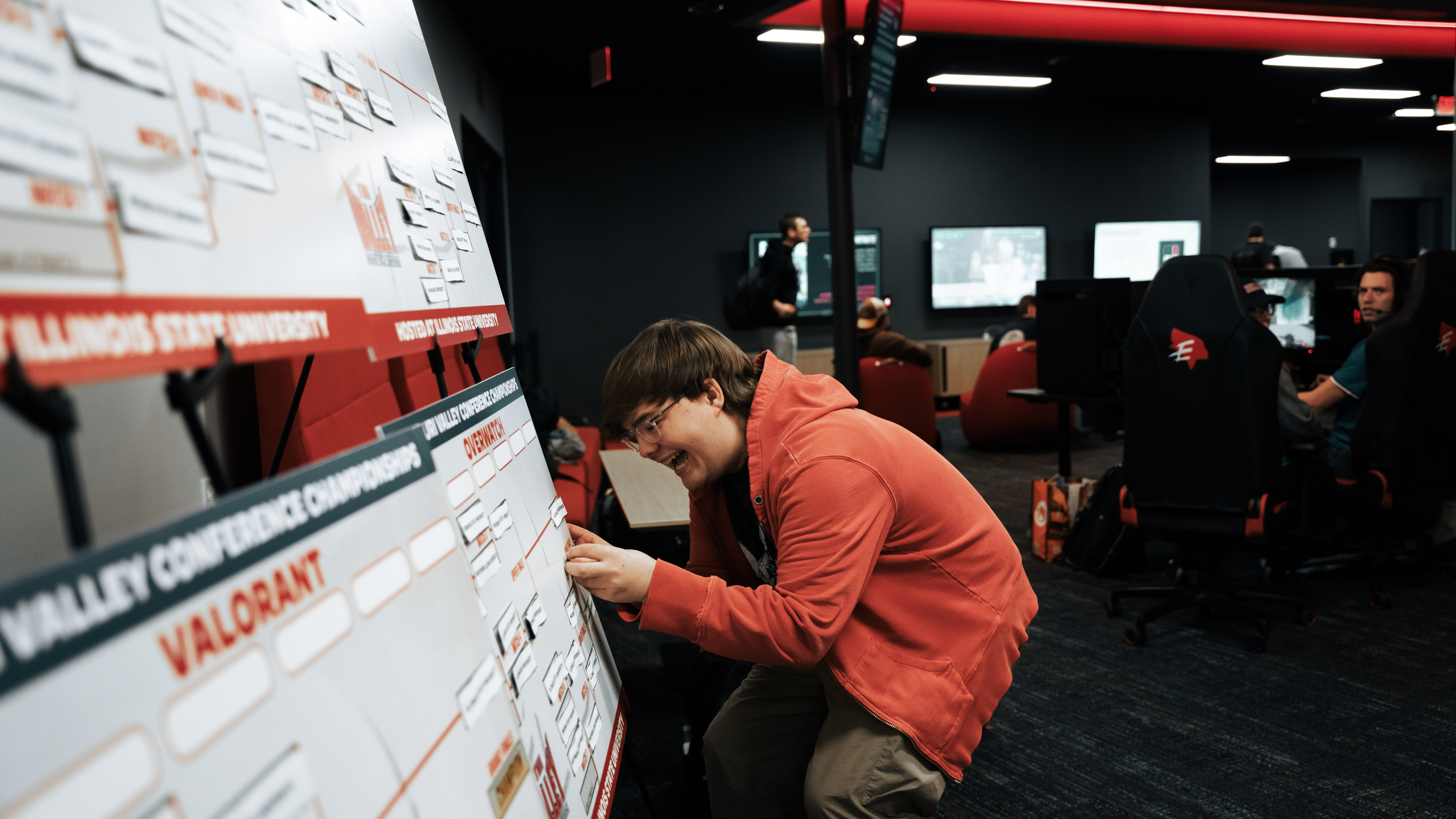
Led multi-week competition schedule planning ahead of the event, balancing team travel times, PC and broadcast slot availability, game-title sequencing, and individual team requests. One notable constraint was working around an independent Smash Bros. bracket running concurrently on campus.
Team Communications
Authored the official team info packet distributed to all competing programs: a single source of truth for arrival logistics, station assignments, and event rules.
Technical Broadcast
Four systems,
all talking to each other.
The technical side of this event was built on four interconnected systems: vMix handling production and switching, Bitfocus Companion on two StreamDecks for hardware control, a live Overwatch data pipeline feeding both signage and the broadcast overlay, and the X32 Compact managing audio routing. Every system was designed to run without manual intervention mid-show.
All-Live Audio Bus Routing
vMix served as the primary production switcher across all four game titles (Overwatch, Rocket League, Valorant, and Super Smash Bros.) without reconfiguration between titles. The audio setup is intentionally atypical: every source stays live at all times, and all audio management happens exclusively at the bus level. This creates permanent dedicated feeds for casters and producers while keeping certain channels entirely off the stream output. Bus state and scene switches were baked into Companion buttons so the broadcast never required touching a fader mid-show.
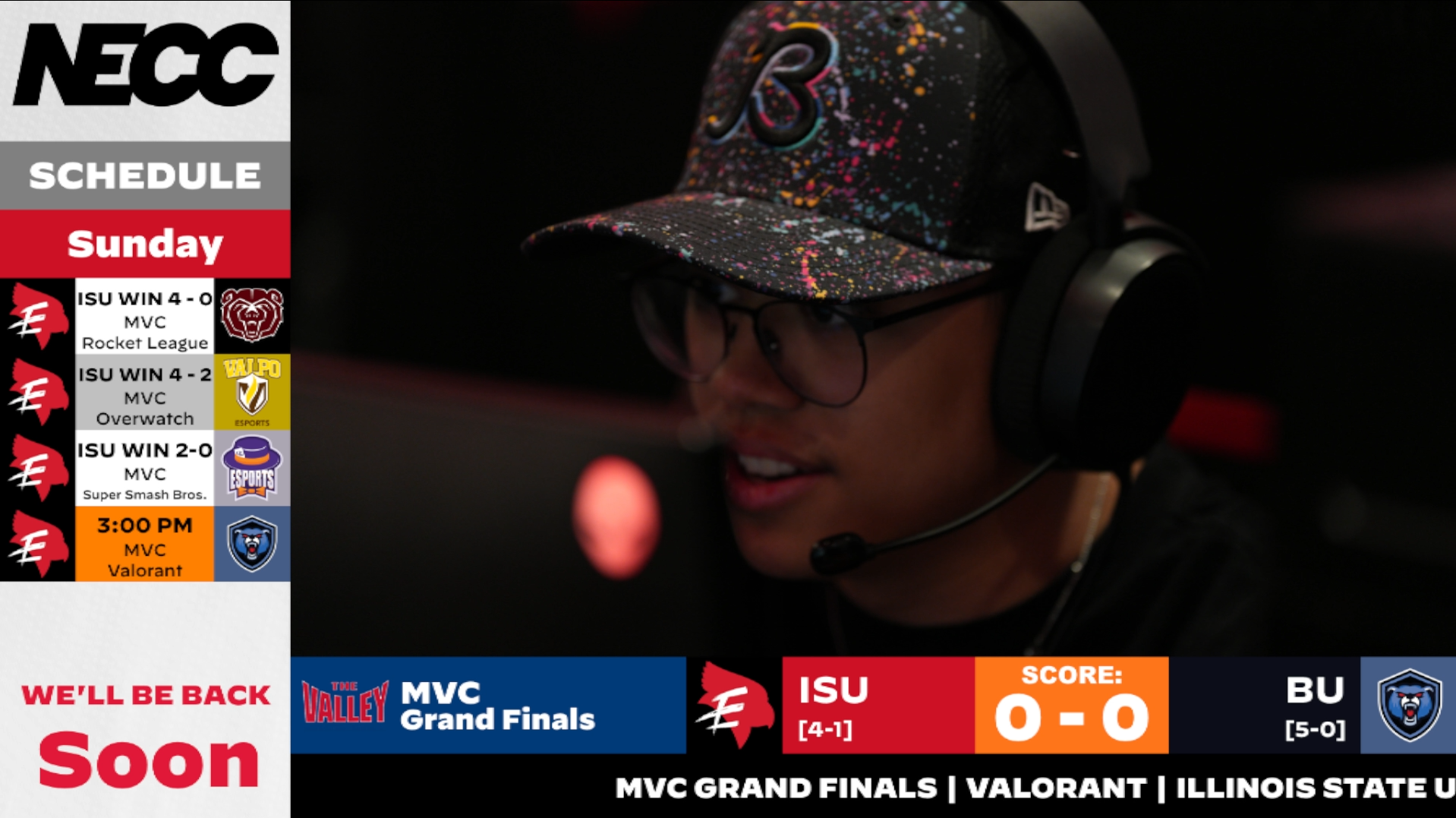
Program output during Grand Finals
Two StreamDecks, Two Roles
Two StreamDecks ran simultaneously with different jobs. The primary deck handled all broadcast control: scene switches, win takeovers, side swaps, and clears, all mapped to physical buttons. A second deck was dedicated to the observer, combining Vicreo plugin commands for in-game spectating with AMX commands that automatically redirected the player camera based on whichever player slot was selected.
Workshop → Python → Signage + Overlay
A Workshop script running inside a custom Overwatch game emits structured match data every 250ms. A Python relay watches the output file, parses only new lines, and pushes a full JSON payload (plus 10 individual per-player slot files) to the server. This simultaneously fed the 1×6 in-facility signage wall displaying live player cards, and a custom caster stat overlay in vMix showing each player's live stats during a match.
Script
Relay
Server
Wall
Overlay
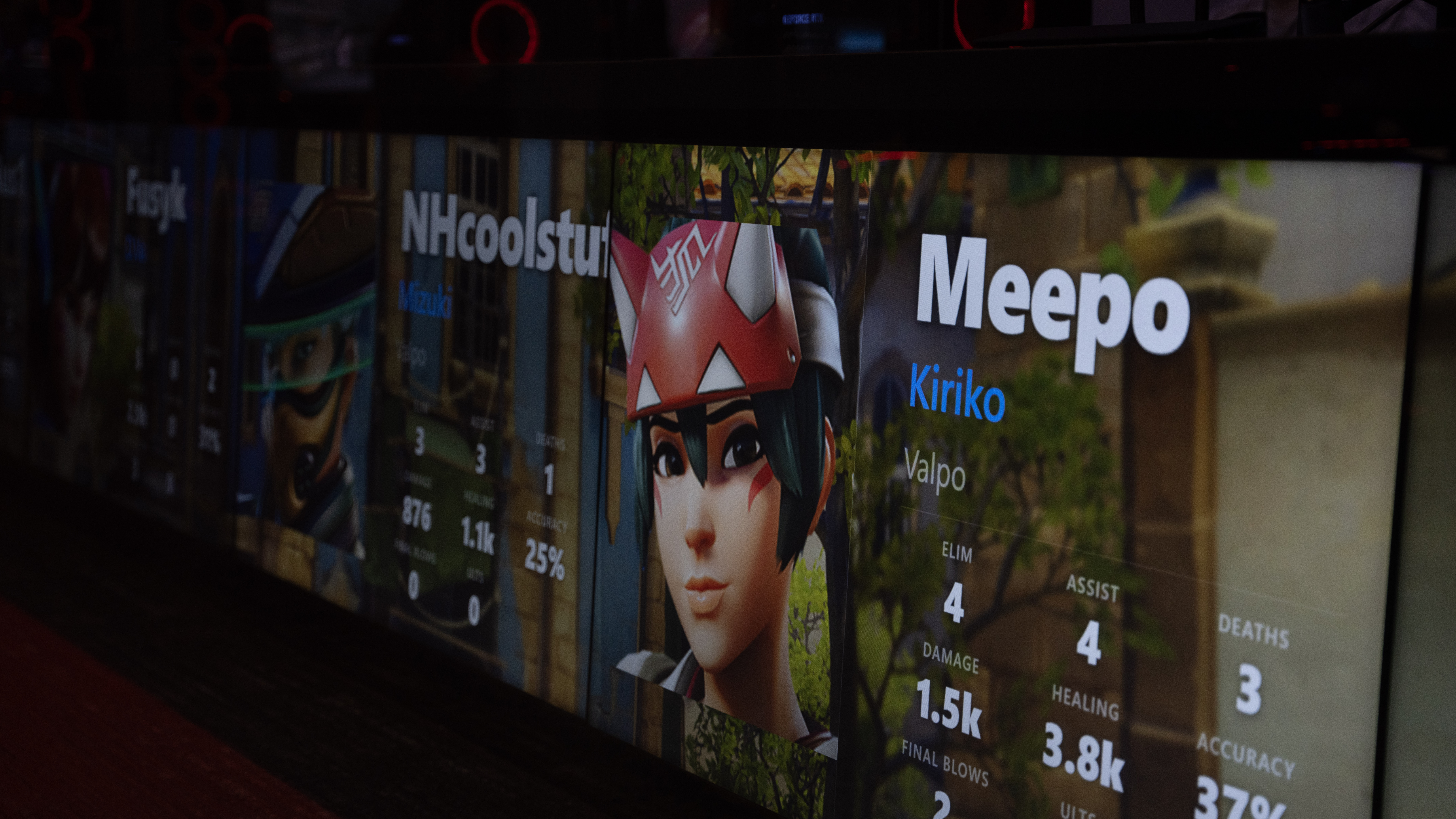
Live Overwatch stats on the 1×6 panel display
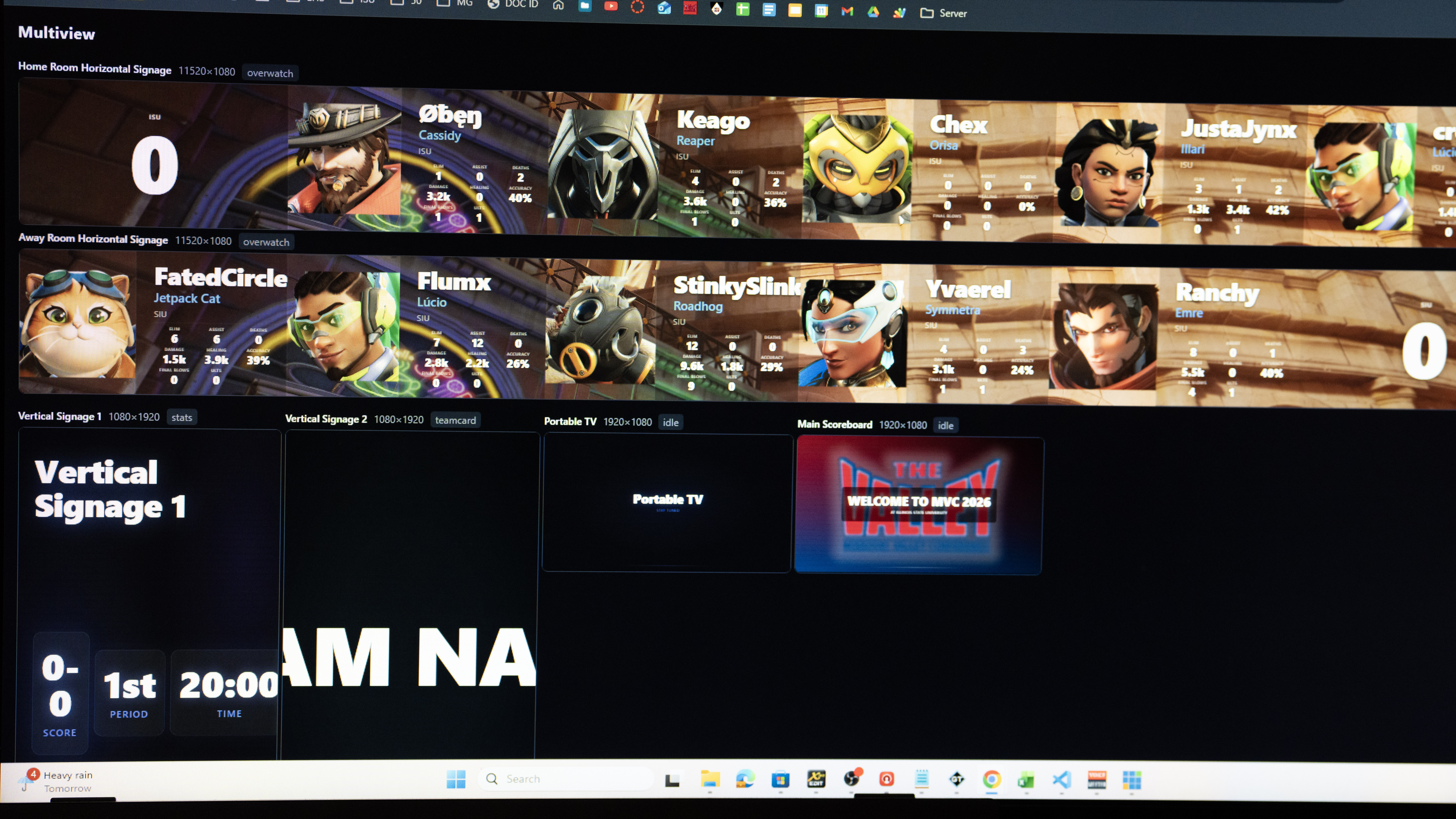
Signage Studio multiview: all six display instances
Mix-Minus Headset Routing
First event using a proper digital mixer with mix-minus headset routing for dual casters. Each caster hears PC game audio and the other caster's mic, never their own, eliminating headset echo. Both mics are summed to a stereo bus and returned to the PC for broadcast recording.
Bus Structure
| Bus | Purpose | Output |
|---|---|---|
| Bus 1–2 | Recording mix (both mics) | Out 1–2 → Card → PC |
| Bus 3–4 | Caster A: Mic 2 + PC, no Mic 1 | AUX 3–4 |
| Bus 5–6 | Caster B: Mic 1 + PC, no Mic 2 | AUX 1–2 |
Infrastructure
Four years of infrastructure
behind one event.
The MVC Championship ran on a broadcast system built incrementally over four years at ISU Esports, starting from scratch and expanding to support four game titles, a 50+ stream AV-over-IP network, and a real-time live data pipeline. The stats below reflect the full system, not just this event.
Real-Time Data Pipeline
A single macro-enabled Excel workbook controls all on-screen graphics simultaneously. Any change (team swap, score update, substitution) propagates to the overlay within 1–2 seconds via continuous spreadsheet polling. Sheet size discipline keeps cycles fast: a sheet extended to maximum forces up to 1M empty cell evaluations per cycle, causing multi-second delays.
AV-over-IP Camera Network
50+ player cameras and PC feeds encoded over the LAN and decoded to 8 outputs —
routed via Companion TCP commands (set:[StreamID]) for instant,
macro-driven source selection during live broadcast. No manual cable switching.
Multi-Game Live Data Integration
Three simultaneous live data sources: Overwatch Workshop script logs pushed by a Python file monitor (250ms), Rocket League SOS Plugin broadcasting live state over the local network, and the League of Legends Replay API providing 236-column post-game player stats.
Python Tooling
Python automation across the stack: team asset generation (logo ingestion → color extraction → folder structure → registry entry), Overwatch stat relay, and arena signage automation (Twitch API → box art fetch → RGBA banner output).
Production Machine Roles
| Machine | Role |
|---|---|
| Primary Production | vMix, asset drive, stream encoder (OBS), LoL Replay API |
| Support | Arena signage control, audio, bracket display, chat monitoring |
| Observer | Spectator clients (OW/RL/LoL), OBS game capture → HDMI, RL SOS Plugin |
| Caster Desk | NDI multiview + producer notes overlay (GT Title bound to Excel cell, invisible to stream) |